Projects
Tasks, boards and progress.
Who does what, by when — for a to-do list of your own, a group assignment or a team’s launch. A list and a board are two ways to see the same tasks.
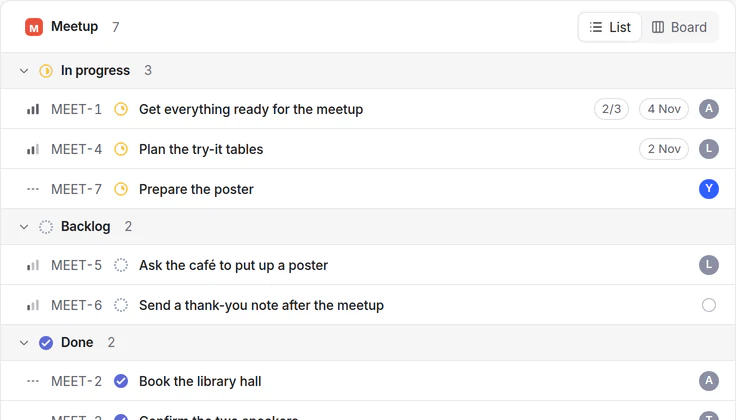
For your own work, your studies and your team.
Personal
Your own to-do list
Tasks with due dates and priorities, so you see what is next today and what can wait.
Start from “Task tracker”Study
A group assignment, split
Each person sees their own tasks; sub-tasks show how far the whole assignment has come.
Team
A launch with milestones
Projects with milestones and cycles; a project’s progress comes from its tasks, and it completes when the last one is done.
Connected
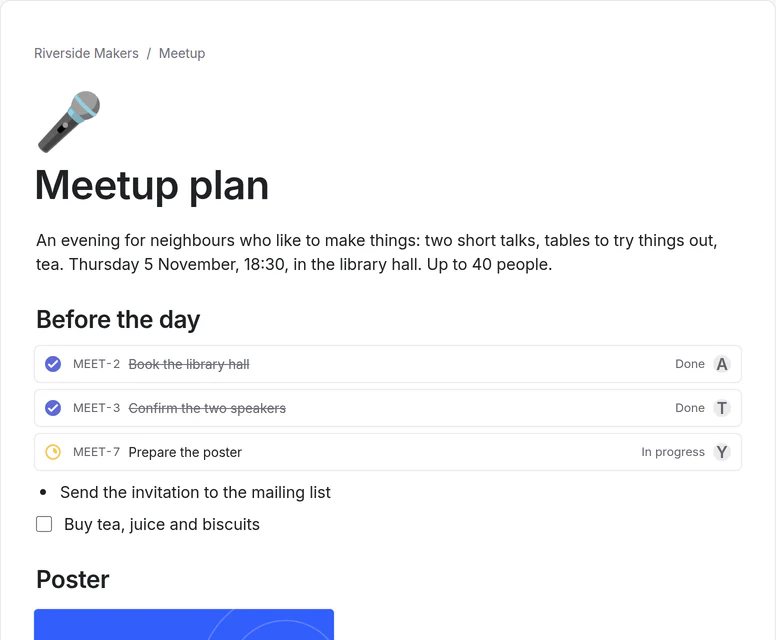
A task remembers where it came from
Make a task from a line of a page, an email or a design comment and it keeps the link. Change its status in Projects and every page that shows it shows the change.
Before you choose.
What it does, what it connects to, and what it doesn’t do.
Tasks
- Statuses from Backlog to Done (In progress, In review, Canceled…), priority, person, due date, labels.
- Sub-tasks and relations; a task closes by itself when its last sub-task is done, with Undo.
- Projects, milestones and cycles; list, board and calendar views. Works offline.
Bring it in, take it out
- Import from Linear: Settings → Import, with a token or an export file.
- Export as JSON and CSV in the one-archive export.
In Projects, a task is called an issue
- The app’s menus say “issue”, as Linear does: “Turn into issue”, “New issue”. It is the same thing.
Try Projects with a ready example.
The demo opens on Projects, with the meetup example. No account needed.