Design
Designs and prototypes.
Posters, screens and clickable prototypes, made together in real time — and any frame can sit in a page, where it stays up to date.
Try the demoNo signup required.
Create your workspace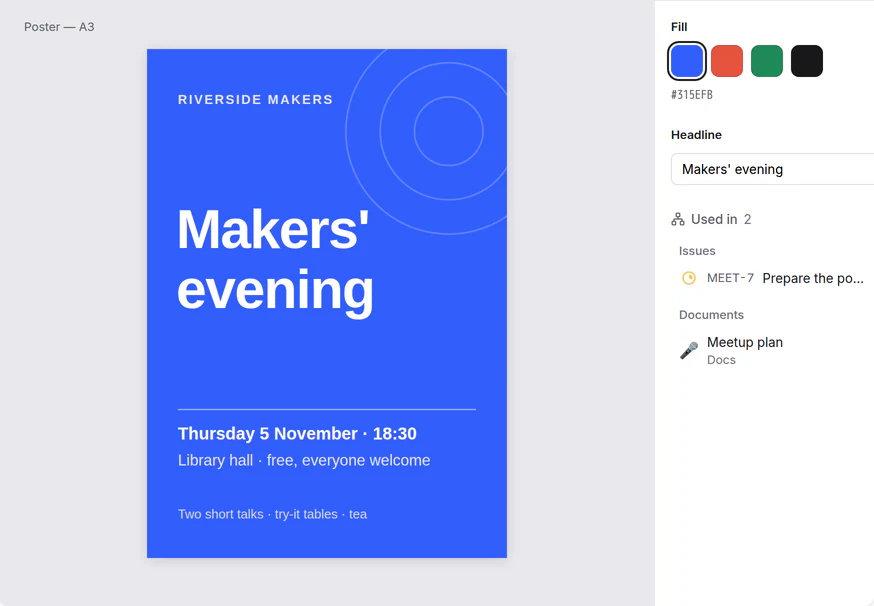
For your own work, your studies and your team.
Personal
A poster or an invitation
Your own layout, exported as PNG or PDF to print or share.
Study
A poster for a school project
Classmates edit the same file at the same time and leave comments on it.
Team
Screens for a website or an app
Components, auto layout and prototypes, with inspect mode for whoever builds it.
Start from “Landing page”
Connected
The design, live in the page
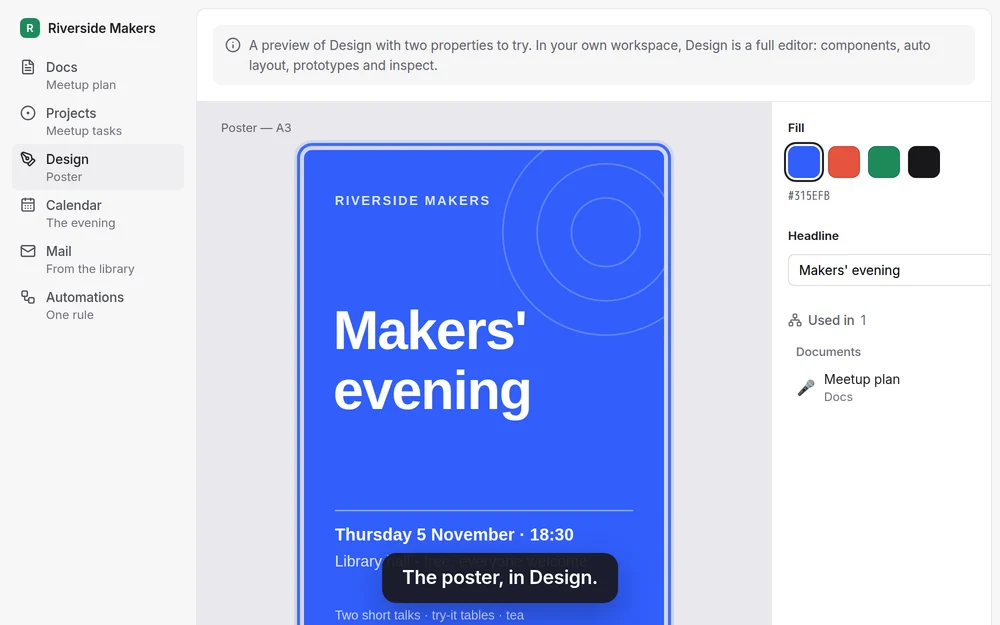
Type /design in a page and pick a frame. When the design changes, the page shows the new version, and the design lists the pages it is in.
Before you choose.
What it does, what it connects to, and what it doesn’t do.
The editor
- Vector tools, components with variants, shared libraries, auto layout, prototypes and inspect mode.
- Real-time editing together, with comments.
- Built on Penpot, open source (MPL-2.0).
Bring it in, take it out
- Import .penpot and SVG files, and Figma files (a .fig file or a link).
- Export PNG, JPEG, WEBP, SVG or PDF.
Good to know
- Design needs an account. On a phone you can view, comment and click through prototypes; editing is for larger screens.
- Design is for designs and prototypes; it has no whiteboard.
Try Design with a ready example.
The demo opens on Design, with the meetup example. No account needed.
Try the demoNo signup required.
Create your workspace